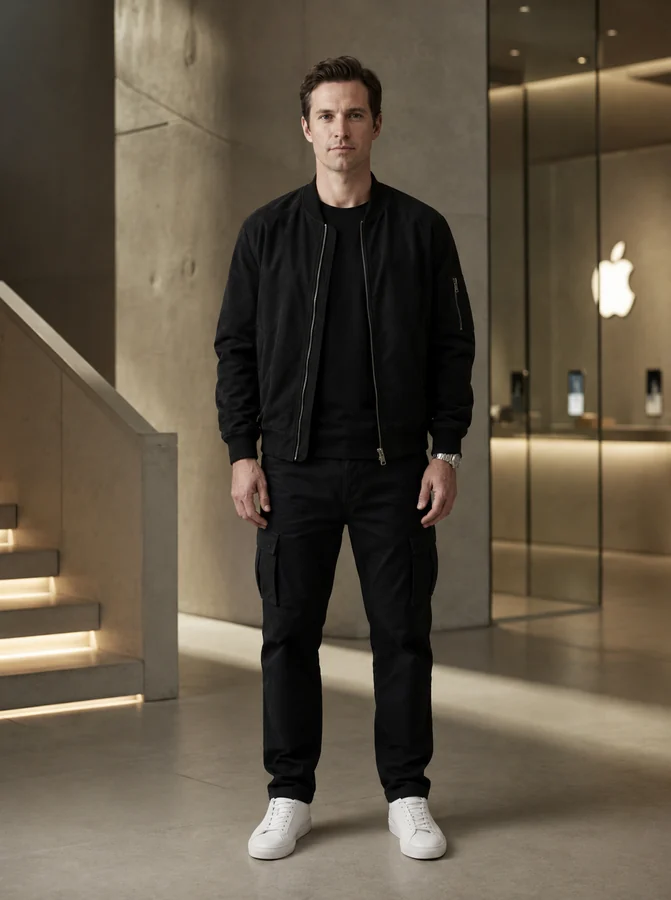
Launching soon on Google Play

Every look decision,
made before you commit.

One photo. Ayna AI shows you the haircut, the colour, the outfit — then tells you which shades actually suit you, and turns you into a photoshoot. It's not a filter. It's how you decide.

9ways to use it
Freecolour analysis
90+photoshoot styles
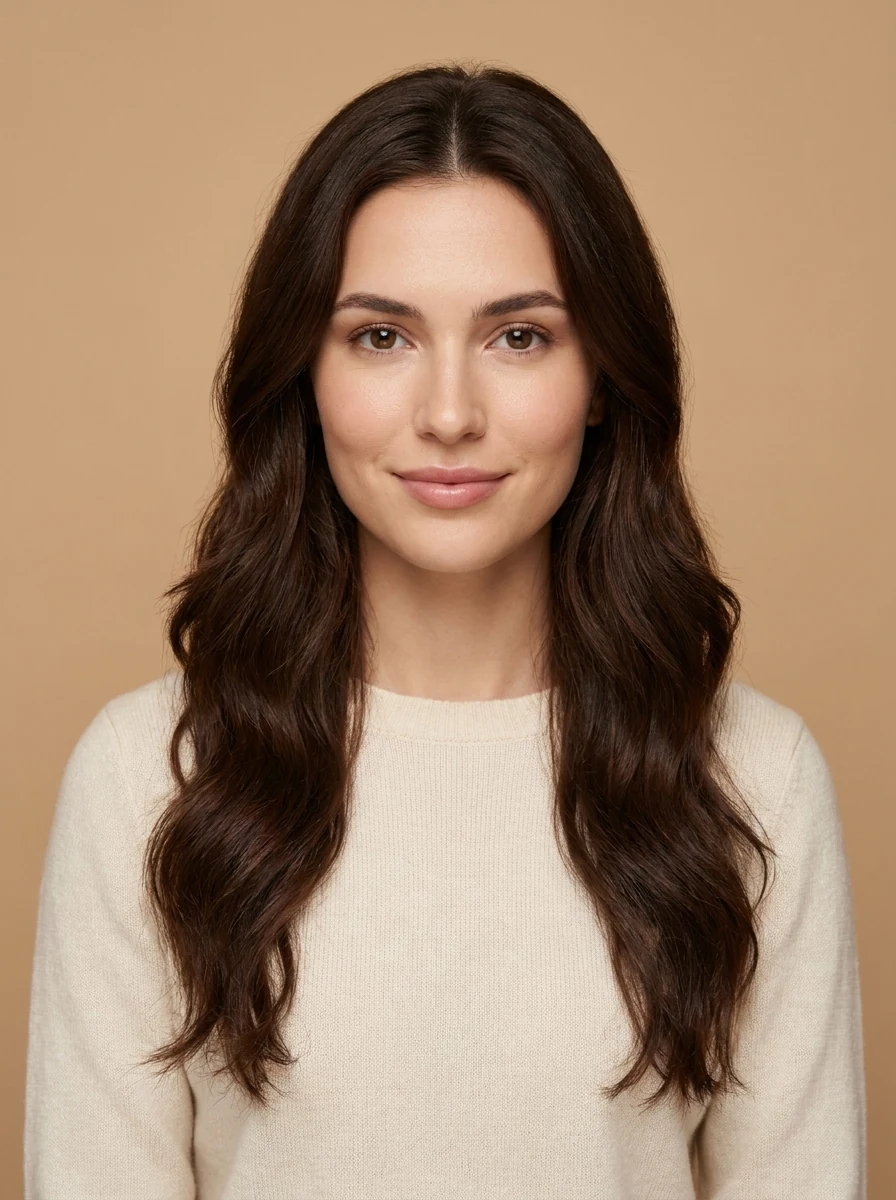
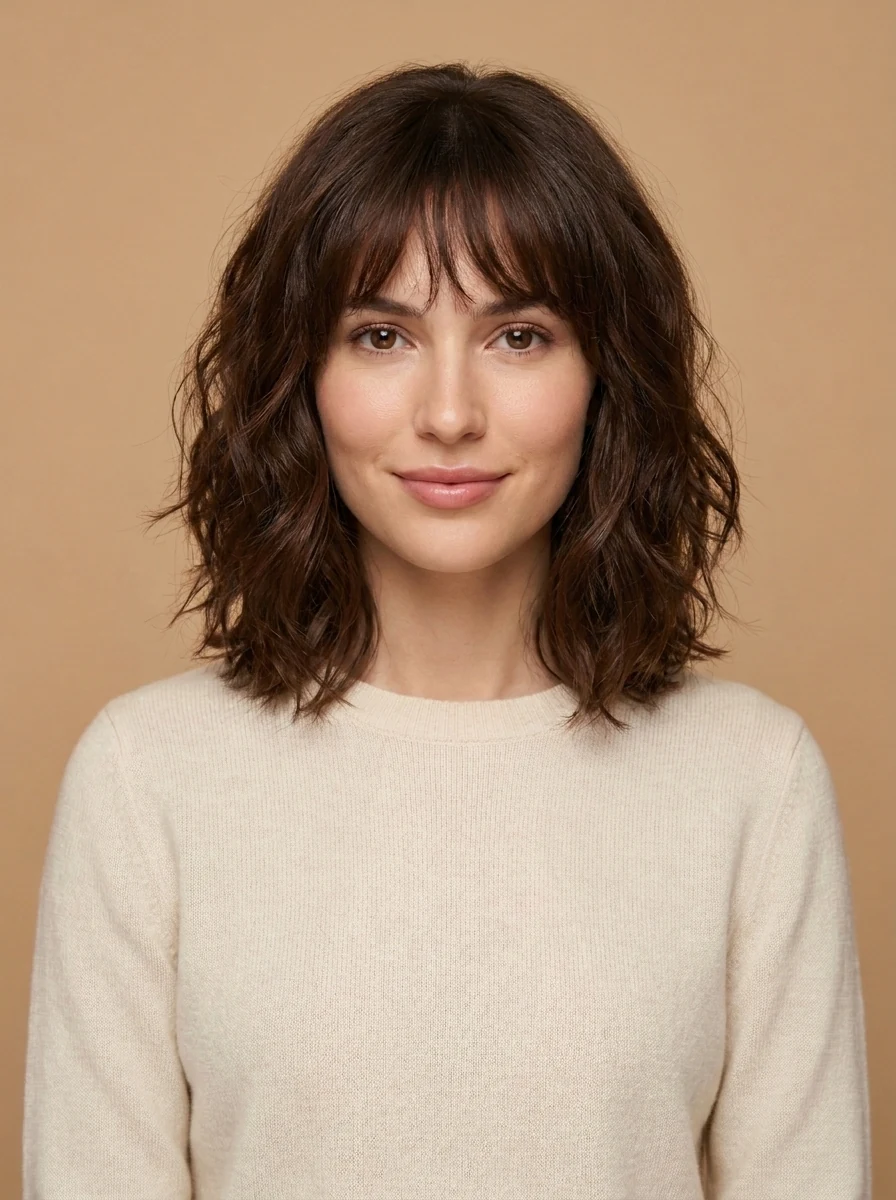
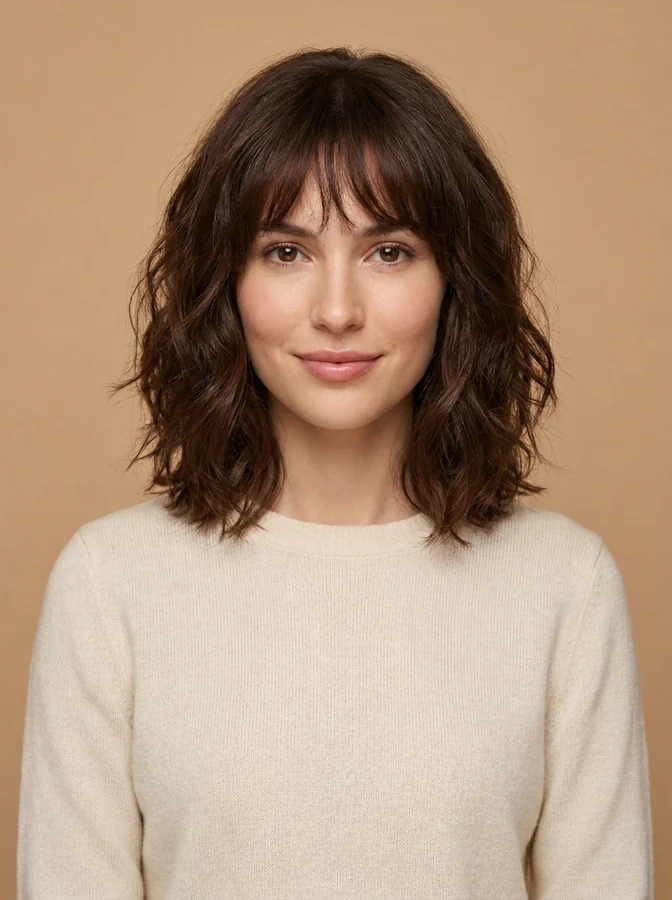
Original portrait photo, before any AI change
The same portrait after Ayna AI changed the hairstyle
Original Ayna AI
Hairstyles & colour Clothing Beards Tattoos AI photoshoot Headshots Remove people My wardrobe Daily Outfit AI Stylist
How Ayna AI works

One photo. Every answer.

The site used to list features. Here is the actual product: a single photo becomes the basis for every appearance decision you're about to make — and each step feeds the next.

01

Start with your photo

One clear, well-lit photo. Save the people you style most — yourself, a partner, a client — and reuse them without re-uploading.
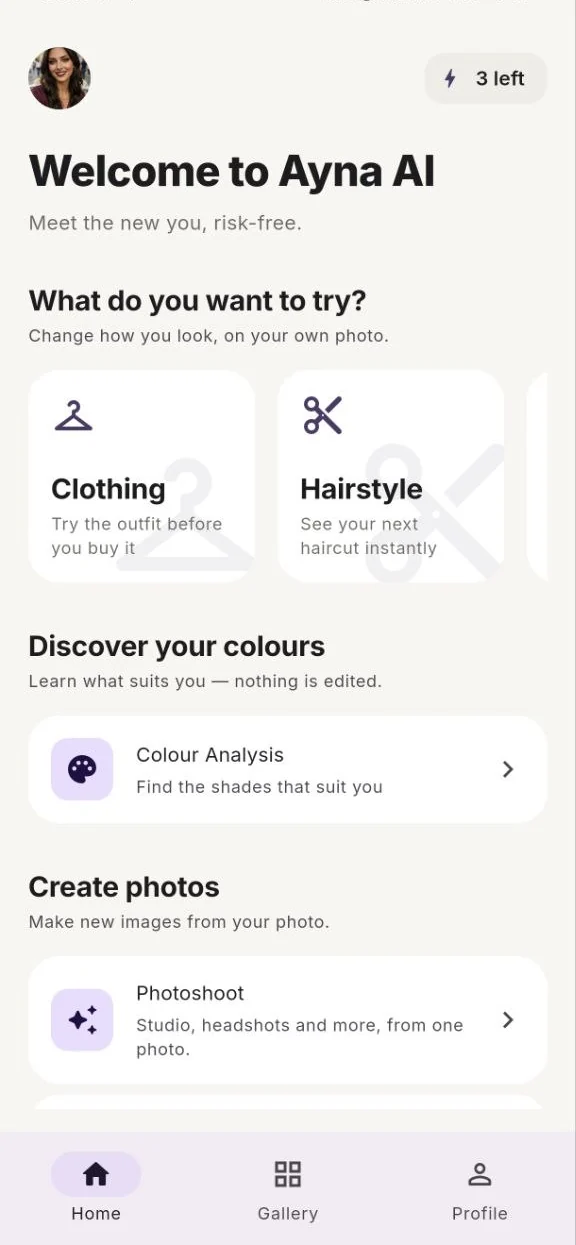
Ayna AI home screen, grouped into try on, discover and create
02

Learn which colours are yours

Before you try anything on, find out what actually suits you. The AI reads your natural colouring and places you in the 12-season system — the same method a professional stylist uses — and it is free, every time.

See how colour analysis works
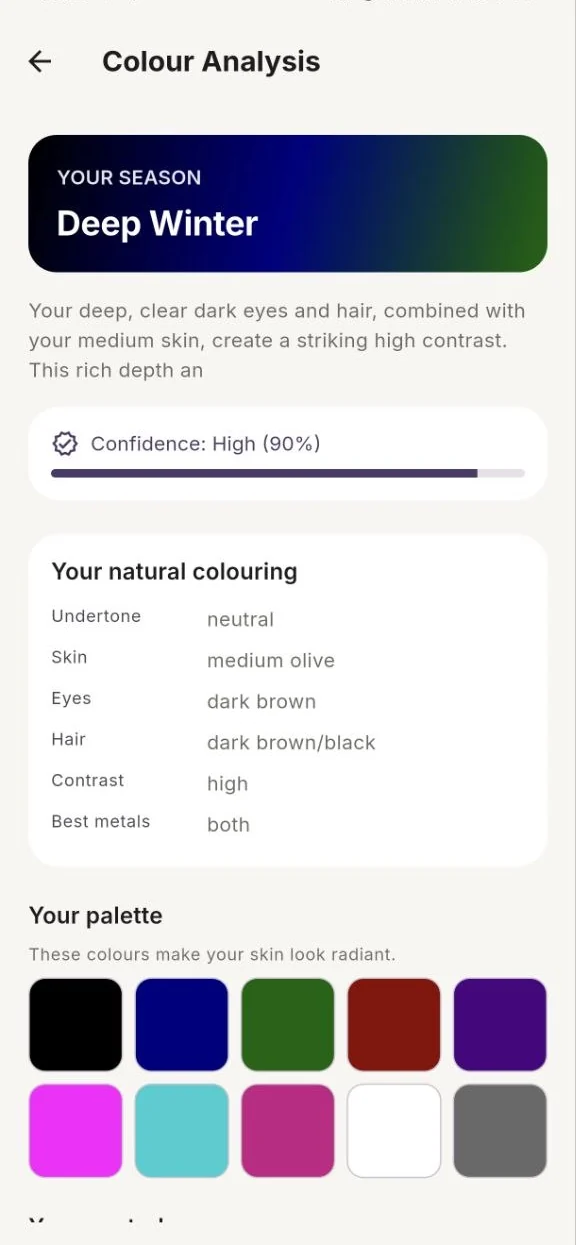
Seasonal colour analysis result showing the Deep Winter season and a personal palette
03

Try the decision on

Now the palette has somewhere to go. Put an outfit in your colours on yourself before you buy it — or preview a cut, a shade, a beard, a tattoo. Drag to compare before and after.
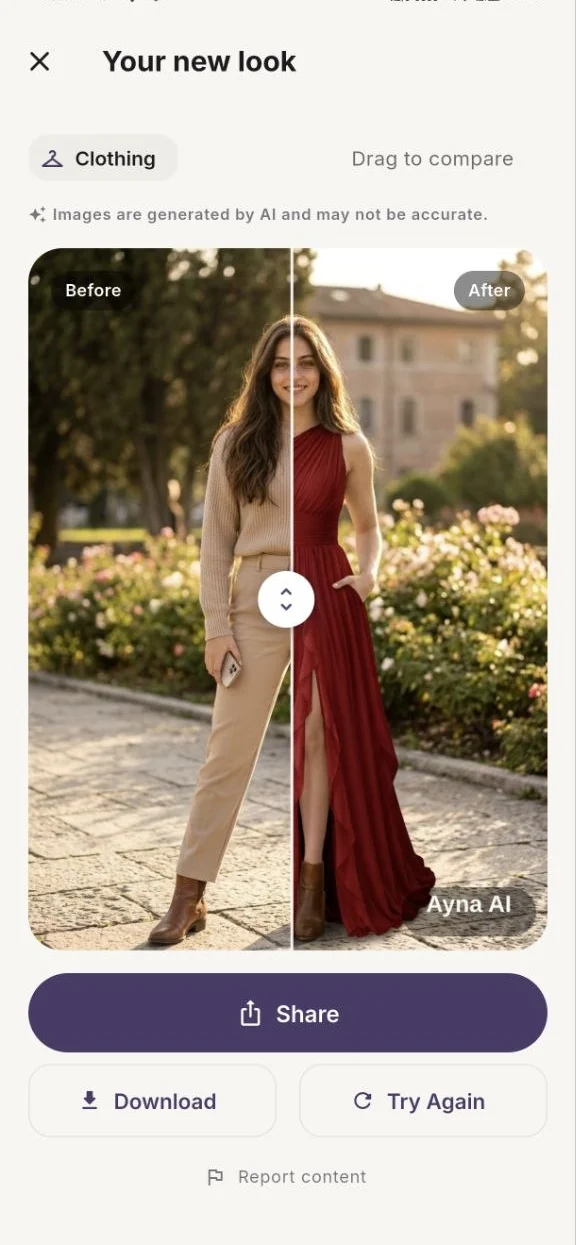
Before and after comparison of a clothing try-on in Ayna AI
04

Turn it into real photos

Once you know the look, use it. Ninety-plus photoshoot styles, including ten professional headshot looks — the portrait you keep meaning to book, from a photo you already have.
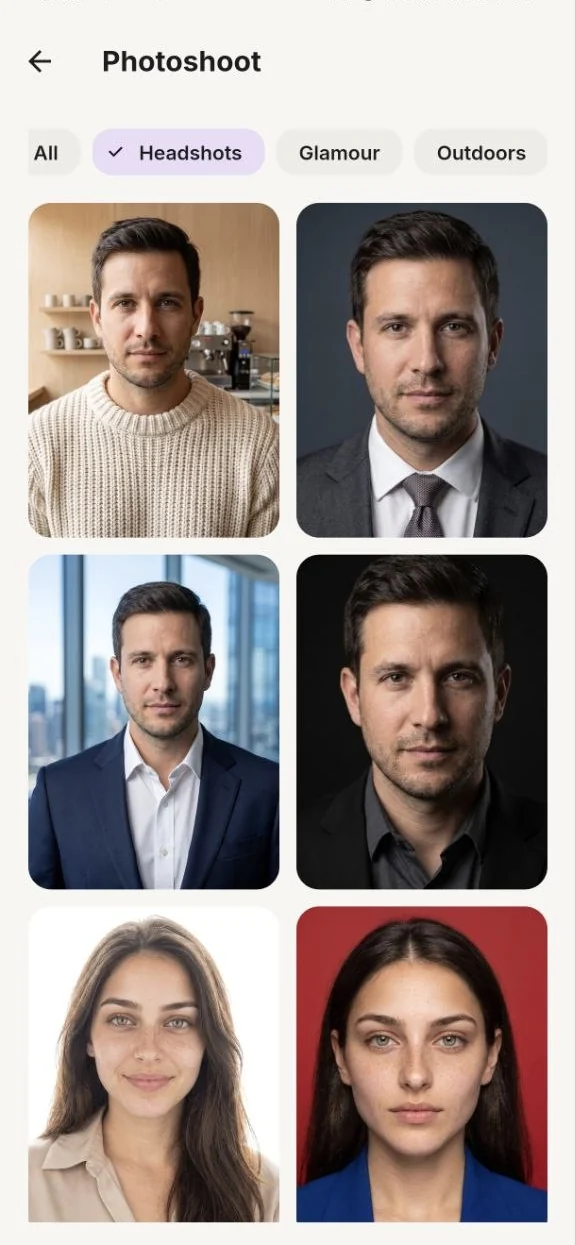
AI headshot styles in Ayna AI
05

Decide — then act

Everything stays in your private gallery, so you can compare a week of ideas side by side and walk into the salon, or the checkout, already knowing the answer.
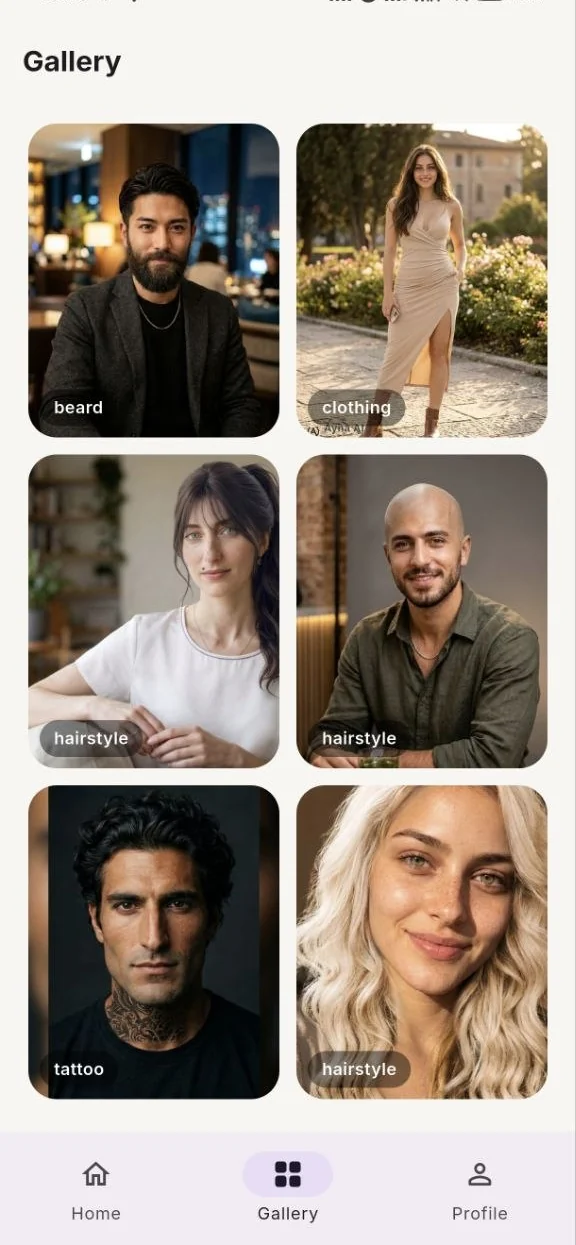
Private gallery of saved Ayna AI results
The app

One photo.
Every look.

Switch between looks and watch your photo change — the same experience you'll get in the app.

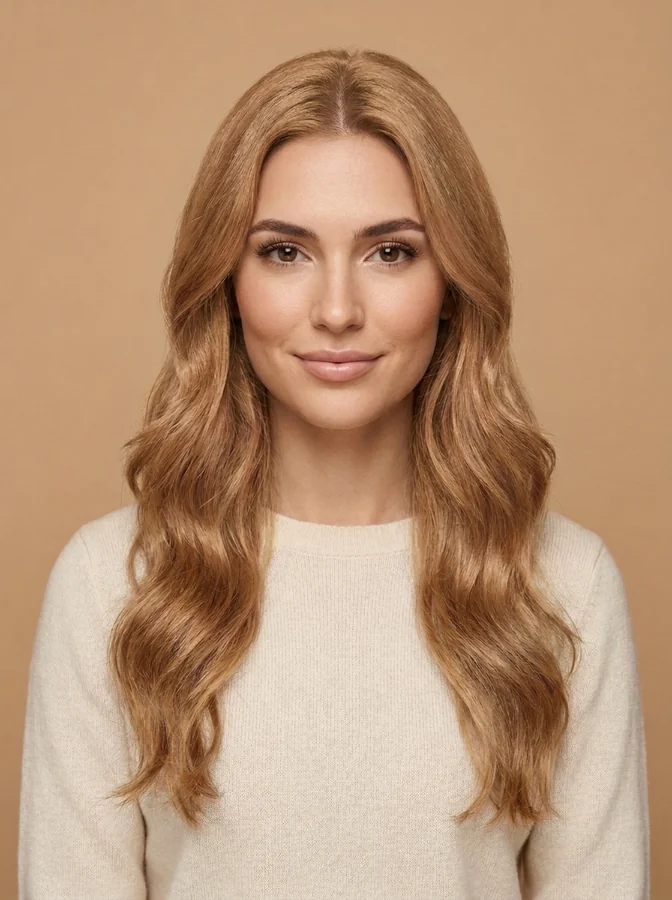
AI hairstyle result on a female portraitHairstyle
AI hair colour result on a female portraitHair colour
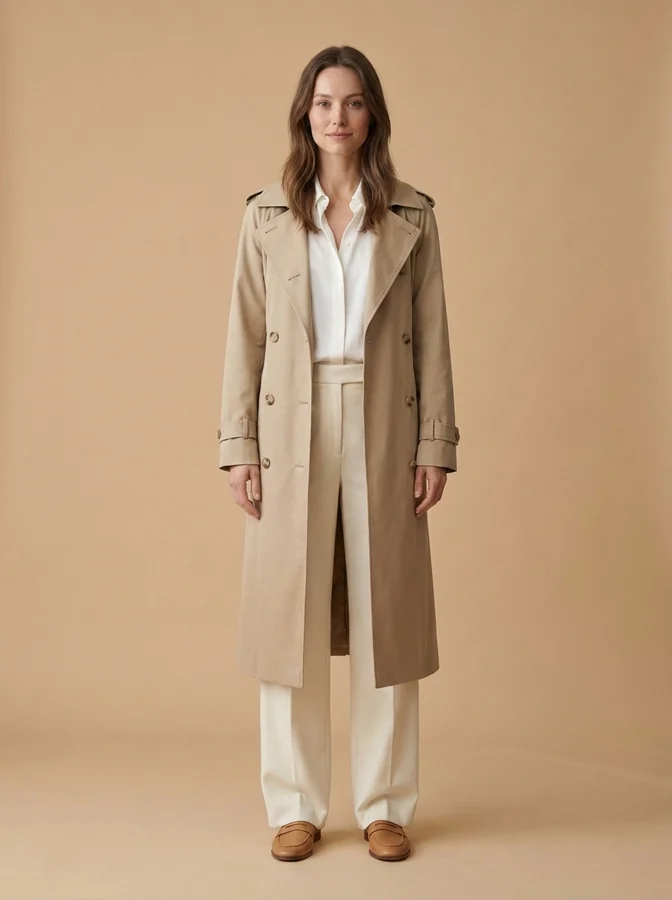
AI outfit try-on result on a female portraitOutfit
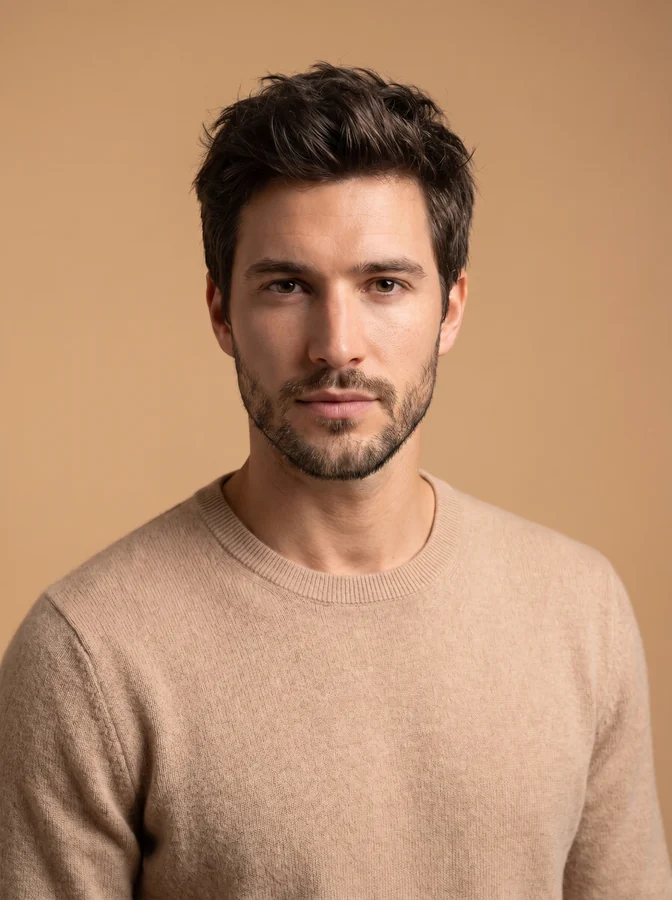
AI beard styling result on a male portraitBeard
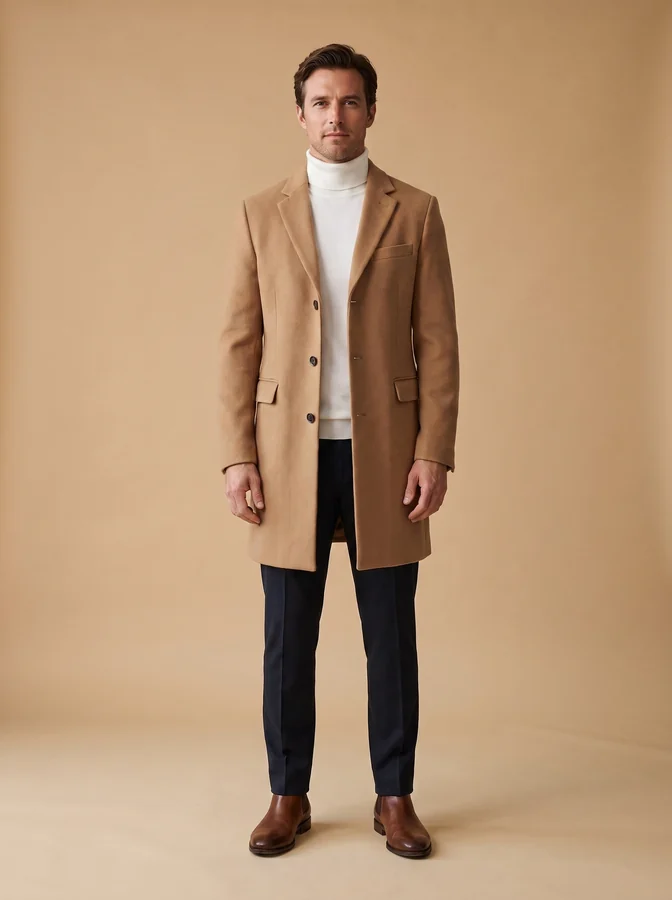
AI outfit try-on result on a male portraitMale outfit
AI photoshoot result on a male portraitAI photoshoot
Drag to compare

The proof is in your photo.

Slide across each example to reveal what Ayna AI generated from a single portrait.

✦ Images are generated by AI and may not be exact. Shown with real Ayna AI results.

Everything you can do

Try it on. Discover it. Create it.

Ayna AI isn't a filter — it's a decision tool that shows the real change before you make it.

Try a new look on

AI Hairstyles

Preview the cut and the colour before the salon chair — long, short, curls, blonde or jet-black.

Daily Outfit

A daily suggestion built from clothes you already own; add your city and it reads the weather.

Clothing Try-On

See an outfit on yourself before you buy it — photograph one item, laid flat or on a hanger.

Beard Styling

Compare beard shapes and lengths without touching a razor.

Tattoo Preview

Place a design at real scale and lighting before you ink it.

Discover what suits you

Seasonal Colour Analysis The AI reads your skin undertone, eyes and natural hair, places you in the 12-season system and gives you a personal palette — plus the shades to avoid. Nothing is edited: it tells you something true about you. See how it works

Create new photos

AI Photoshoot

One selfie becomes a full shoot across 90+ styles.

Headshots in Photoshoot

Ten professional headshot styles inside AI Photoshoot — a portrait from an ordinary photo.

Remove People

Keep the shot, lose the strangers in the background.

How it holds up

Free where it counts

Colour analysis is always free — no credit, no trial.

Private by design

Your photo is used only to create your result — then it's yours.

Yours alone

Every result lands in a private gallery only you can see.

Always free

Find out which colours are actually yours.

Ayna AI tells you something true about you — one answer that keeps paying off every time you shop. Colour Analysis is free, every time.

You send one photo

Soft daylight, no filter. The app checks the photo first and refuses one it can't read reliably — you're never charged for a guess.

The AI reads three things

Undertone (does your skin lean warm or cool), depth (how light or deep your overall colouring is) and clarity (soft and muted, or bright and clear). It corrects for the photo's own colour cast before judging.

Those three answers give your season

The 12 seasons are defined by exactly those axes, so your season is derived from them rather than guessed. The same colouring always gives the same season.

You get a palette you can use

Ten shades that make your skin look radiant, the neutrals to build a wardrobe on, the colours to avoid, and whether gold or silver suits you.

And an honest confidence score

If you sit between two seasons, it says so and names the runner-up — instead of pretending to a certainty the photo doesn't support.

Ayna AI colour analysis result: the Deep Winter season, confidence score, natural colouring breakdown and personal palette
WinterDeep · True · Bright
SpringLight · True · Bright
SummerLight · True · Soft
AutumnSoft · True · Deep
Why the answer keeps its value: a haircut is one decision, but your palette applies to every jumper, shirt and coat you'll ever consider. Once you know your season, take it straight into clothing try-on — see an outfit in your colours, on you, before you spend anything.
Why Ayna AI

Decide with your eyes, not your imagination.

Avoid expensive mistakes

See the haircut, colour or tattoo first — skip the regret and the redo.

Preview before you buy

Try the look before spending on the salon, the dye or the ink.

Private & secure

Encrypted in transit; your photos are used only to make your result.

Recognisably you

Ayna changes what you asked for and keeps you recognisable — AI previews can vary in framing and fine detail.

Shop with a palette

Know your colour season once, then use it every time you shop.

A portrait, without the studio

Ten professional headshot styles inside AI Photoshoot, from a photo you already have.

✦ Coming soon

Be among the first to try Ayna AI.

We're opening a limited closed beta on Google Play. Join early and help shape the launch.

Soon Get it onGoogle Play

Launching on Android first. iOS is on the roadmap.

Questions

Good to know.

When does Ayna AI launch?

We're rolling out a closed beta on Google Play soon, with a wider launch to follow. Join early access above to be first in line.

Will it be free?

Colour Analysis is always free. For looks, your first one is on us (one credit = one generation); after that, choose a one-time credit pack or Ayna Pro. No subscription is required to try it.

How private are my photos?

Your photos are used only to generate your result, encrypted in transit, and you can delete your account and data at any time. See our Privacy Policy.

Which devices are supported?

Android phones on Android 7.0 and newer, at launch. A modern device gives the fastest results.

Will iOS be supported?

Android comes first. An iOS version is on our roadmap — early-access members will hear about it first.

Are the results real photos?

No. Every result is an AI-generated preview to help you decide. It shows how a look could appear on you, not a real photograph.

What is Seasonal Colour Analysis?

It's the one feature that changes nothing about your photo. The AI reads your natural colouring — skin undertone, eye colour and natural hair — places you in the 12-season system, and gives you a palette to wear plus shades to avoid. You also get a confidence rating, so you know how sure the result is.

Can I use it on someone else's photo?

Yes — you can save several people and analyse or try looks on each of them. Only use photos you have permission to use.

Your next look, before you commit.

Join the Ayna AI closed beta and preview any style on your own photo.

Get early access
Follow along

See new looks first.

Real results, style ideas and launch news — posted daily as we build up to release.